After painting, each look gets a quick photoshoot and a face card with five stars under the name.
Stars
Tap 1 to 5 stars. You can change the rating while that look is still on screen. You cannot rate your own look. If you tap no stars, your vote counts as 1 star. Ratings decide the average that ranks the round, so skipping a look pulls it down.
Your pose button
When your own look is on screen, a cyan button appears next to your card. Tap it to switch among poses you have unlocked. Everyone sees the face change. It does not add stars by itself.
Reactions
The gold party-popper button opens four reactions: LETHAL, JAWDROP, Golden Spotlight, and Tomatoes. Sending one plays an effect on the look for everyone, with your name on it. Reactions never change the score. They come in packs of uses bought with Robux. The player whose look receives a reaction earns a little in-game cash.
Gold cards and reports
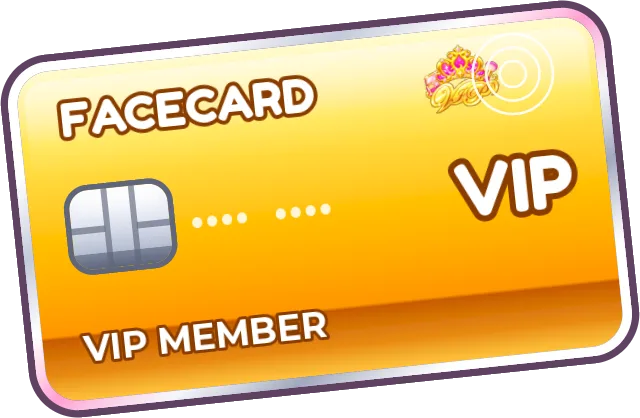
A VIP player's look gets a gold entrance and a gold card. That is decoration. Vote on it the same way you vote on any other look.
Press REPORT at the bottom right while the look is on screen and choose a reason. It leaves your screen immediately. If enough players report it, it is taken down for everyone and loses its placing.
Results
The winner appears on a gold card, with second and third beside it. A strip shows where you placed and what you earned. A leaderboard lists everyone. Stars you received also count toward your lifetime rank. Press X to leave the results early.
If camera flashes are uncomfortable, open the gear and turn on Reduce Flashes. Flashes become soft, and shakes and bursts are toned down everywhere in the game.
The round order that leads into this vote is in how rounds work.