Every star other players give your looks is added to a lifetime total. More stars mean a higher rank. The Help Center says there are ten ranks, from Bare Face to Face Card Legend. It names only those two ends. The eight ranks between them, and the star totals they need, are on the ladder in the lobby. Tap the rank bar above your card to read the current ladder and its unlocks. This wiki does not fill in guessed names or thresholds.
Rank rewards
Ranking up gives new poses, lash sets, and brow stamps, shown as cards at the moment you rank up. The highest ranks earn a chrome title and then a gold title next to your name. A locked item shows a small tag with the rank it needs.
Two lobby boards track the players with the most wins and the players with the most stars. If you are in the top ten, the board tells you your place.
Cash
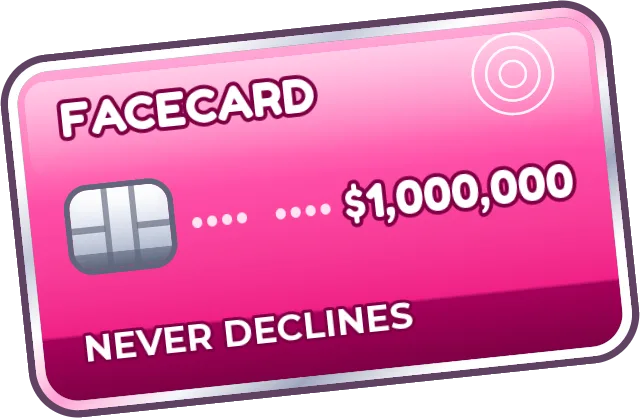
In-game cash, shown on the pink Facecard, comes from playing:
| Source | What you get |
|---|---|
| Taking part in a round | A base payout |
| A good star rating | More cash |
| First, second, or third | A bonus |
| A reaction sent to your look | A little cash each time |
VIP and the 2x Earnings pass boost what a round pays. The +$ button in the shop sells cash packs for Robux. Those packs are optional.
Shop
Open SHOP in the lobby, or tap your credit card. You can browse eyes, lashes, piercing sets, and passes. Tap an item to try it on the preview face. Press BUY. The card swipe says APPROVED if you have enough cash and DECLINED if you are short.
A few items are cheaper each day, and the selection changes daily. Nothing is deal-only. Everything can still be bought at its normal price.
The small code button in the shop header is where a code is redeemed. Steps and the current lack of a published code string are on the codes page.
Passes and gifts
| Pass | What the Help Center says |
|---|---|
| VIP | Neon and Chrome palettes, rhinestones, lash clusters, custom piercings, extra Sculpt preset slots, a gold voting showcase, a VIP badge by your name, and an earnings bonus. Offered as a one-time pass or a monthly subscription with the same listed perks. |
| More Layers | Raises your layer limit. Bought with Robux and kept. |
| 2x Earnings | Doubles what rounds pay you. Bought with Robux and kept. |
A monthly VIP subscription is not the same purchase as a permanent pass. Read the prompt before you pay. Catalog pages have also listed Robux prices and an extra Lookbook-slot pass. Those prices were not re-read from the Roblox game-pass API for this page, so they are not repeated here. Check the in-game shop for the current price.
Press GIFT on a pass, choose a player in your server or type a username, and confirm. Your friend gets a gift box the next time they are in the game.