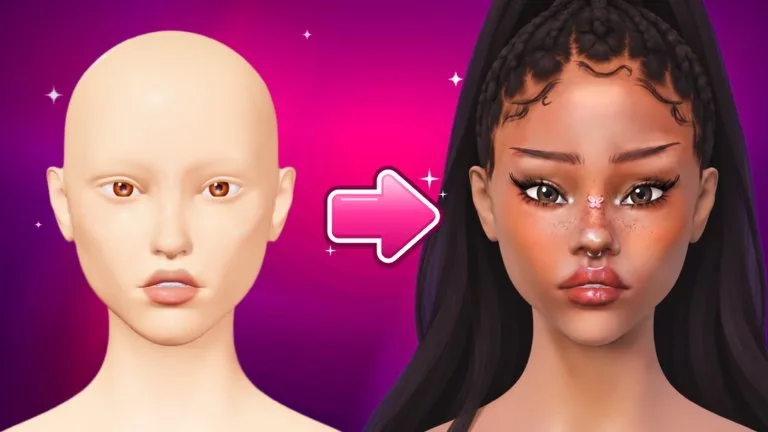
The Lookbook stores makeup, hair, lashes, face shape, and pose. Open it with LOOKBOOK in the lobby or on the paint screen. Tap a card to preview that look on a 3D face. Slots are limited, so delete looks you no longer load.
Save, update, load, delete
- While painting, open the Lookbook and tap SAVE NEW LOOK. Name it and save.
- UPDATE writes the current face over the selected look. It asks for a second tap.
- Select a card and press LOAD. The look opens in Freeplay. If you are already painting in Freeplay, LOAD asks again because it replaces the face.
- The pencil renames a look. The bin deletes it after a second tap. A delete cannot be undone.
A saved look keeps its layers, their names, and their order. Looks saved before layers were stored load as a single layer. Other players only ever see the finished look.
Rounds always start fresh, so a saved look is for Freeplay, not for dropping into a contest. A card marked OLDER FACE was saved on an earlier version of the face and can no longer be loaded. It is not deleted for you.
Each card's small head icon shows whether the look was made on Classic, Aniya, or Mina. The preview uses that look's own head base.
Facecard of the Week
One look is crowned and stands on the lobby podium. Select a saved look, press the gold SUBMIT button, and confirm. You have one entry. Submitting again swaps the previous entry. The entry is a copy of the look at that moment, so later edits do not change it. The Roblox badge Facecard of the Week is separate from the podium display. On the listing viewed 18 October 2026 it was marked Impossible and had been won once.
Freeplay and photos
FREEPLAY sits at the top right, next to the settings gear. It has no theme, no timer, and no votes. It runs in its own server, so the game asks before you leave the round server. EXIT returns you to rounds and counts as finished. Unsaved Freeplay work is not kept after EXIT.
The small X puts the paint screen away so you can use the shop, codes, Lookbook, and ranks inside the Freeplay lobby. Press FREEPLAY again and the look returns.
Freeplay saves in the background, layers included. After a disconnect, the next join asks PICK UP WHERE YOU LEFT OFF? Choose RESTORE or DISCARD. If the servers are restarting, you get a countdown first. Finish the round you are in. Freeplay work is saved so you can pick it up after you rejoin.
The Photo Studio opens from the camera button next to the gear. LIGHT changes the mood, colour dots change the backdrop, and the rainbow dot is any colour. POSE picks an expression. HIDE UI clears the screen. Tap anywhere to bring the controls back. SNAP takes the picture and can save it to your Roblox captures.
If the Lookbook says there is no preview right now, the device is short on memory. The looks are still saved and still load.